

ONE SOUND. TOGETHER.
Your headphones.
Their headphones.
One movie night.

Watch together on one Mac, with your own headphones and your own volume.
You picked the film.
Now you both want to hear it.
Sharing an earbud. Turning the laptop up. Searching through sound settings. Your night in deserves an easier start.
Keep the moment. Make room for both of you.
Same story.
Your own volume.
Hearuno brings compatible headphones together, with a separate volume for each person.

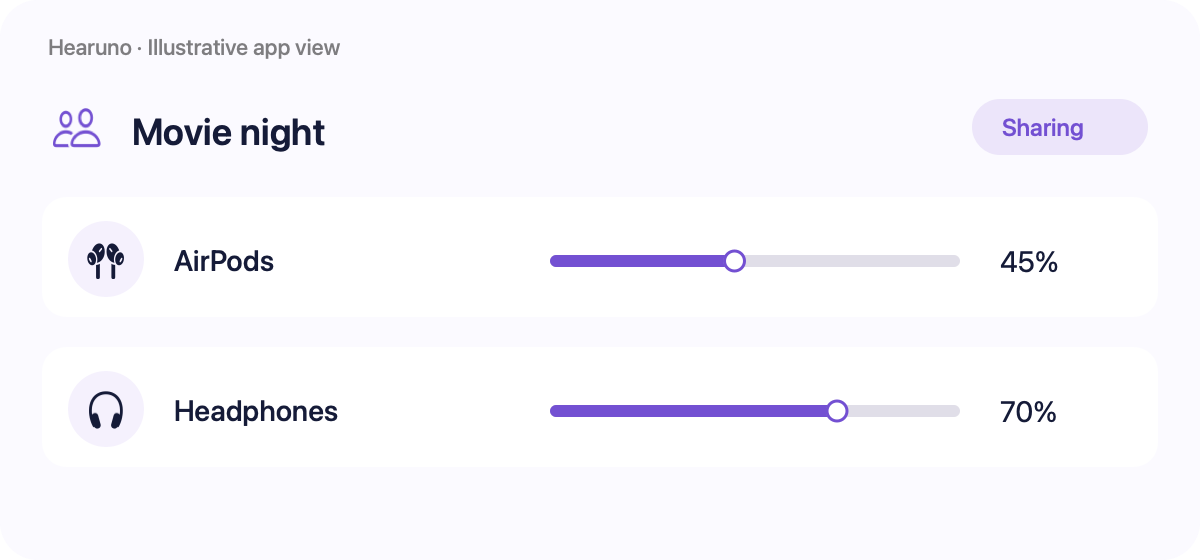
Save your group. Keep your favourite setup ready.
Illustrative app view
Little moments. Better together.
A film for the journey.
Your headphones. The same adventure.
Your late-night ritual.
Keep the sound between you.


THE SIMPLE PART
Less setting up.
More settling in.
Connect compatible devices to your Mac, choose them in Hearuno, and adjust each volume.
Use macOS Bluetooth settings when pairing is needed.
01
Connect your headphones.
02
Create your listening group.
03
Press play together.
Make your next movie night
a shared one.
Hearuno is being prepared for release.